Track Contract Deadlines Without Spreadsheets

A Better Way to Track Contract Deadlines Without Building Another Spreadsheet

Most manual systems work until the deal count climbs, a date changes, or two people think they are looking at the same version. Deadline Monitor gives you a purpose-built alternative to spreadsheet-based deadline tracking.

Manual systems look fineUntil dates shift and context is lost
One source of truthThe transaction becomes the system
Less hidden riskNo formula dependence or version drift
Created explainer visual
A Better Way to Track Contract Deadlines Without Building Another Spreadsheet
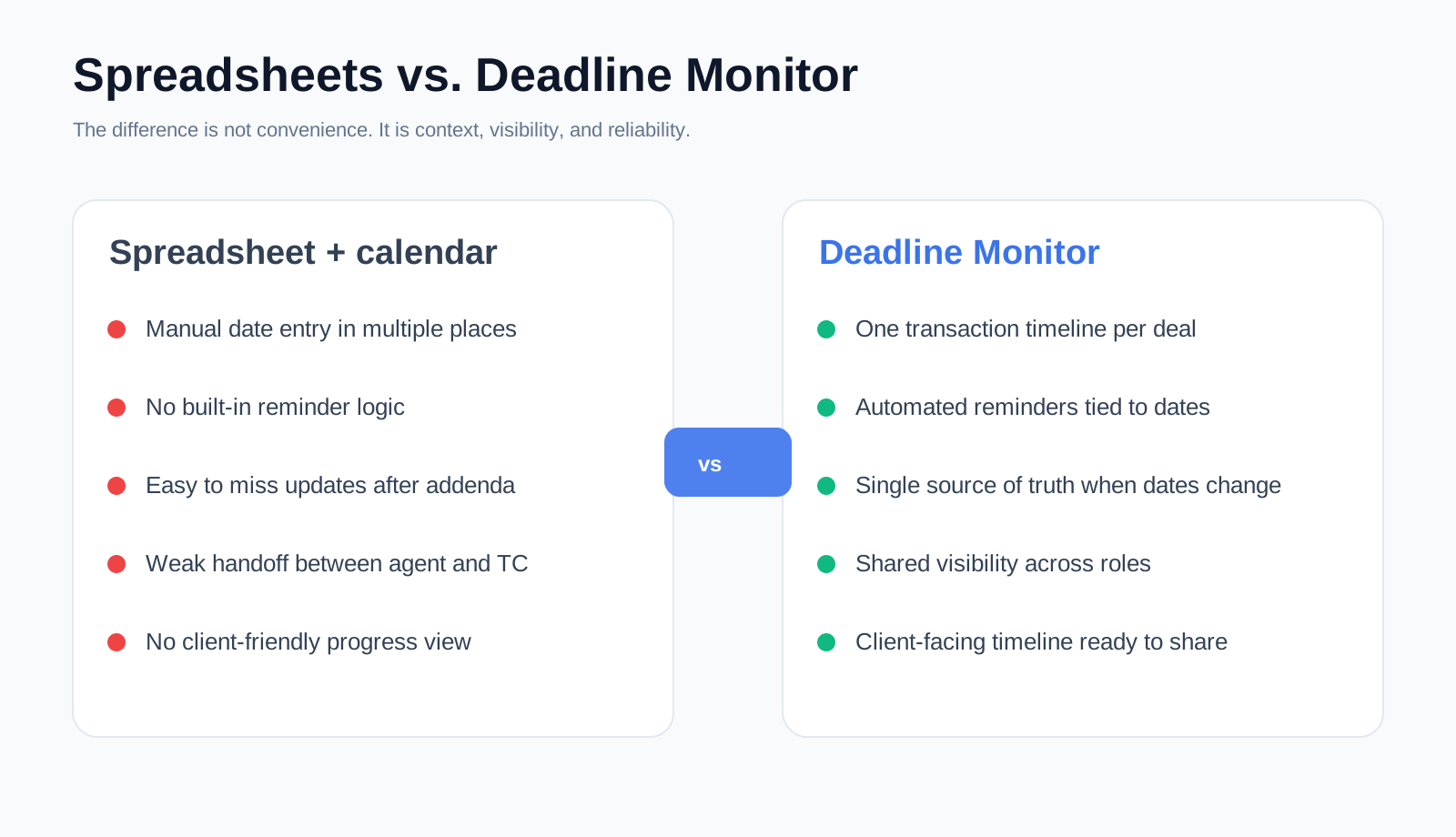
Created comparison visual for the spreadsheet replacement angle.
Deadline clarityKeep critical dates tied to the transaction instead of scattered across tools.
Reminder automationSee upcoming due steps before they become last-minute problems.
Client visibilityShare transaction progress with a cleaner, more organized experience.
Section 1

Why spreadsheets fail quietly

A spreadsheet rarely announces the exact moment it becomes a problem. It keeps looking organized while the risk moves underneath it. A date gets copied to the wrong file. A formula points at the wrong cell. The agent updates one version while the coordinator is looking at another. An addendum changes the timing and the spreadsheet still appears complete.

The issue is not that spreadsheets are bad. The issue is that they are not built for a time-sensitive, milestone-based process where updates carry downstream consequences.
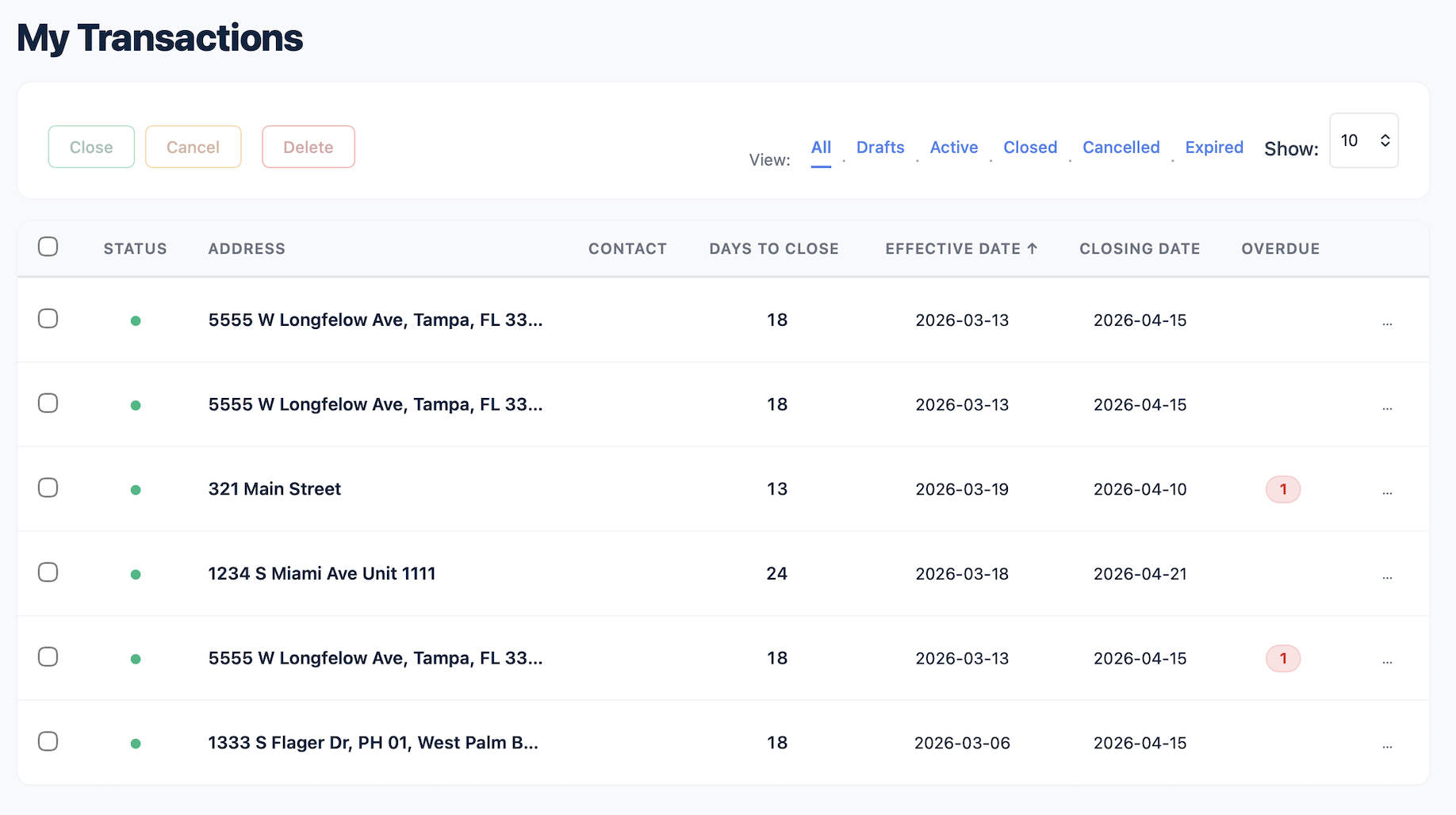
Product view
Why spreadsheets fail quietly
Transactions list inside Deadline Monitor.
Created explainer visual
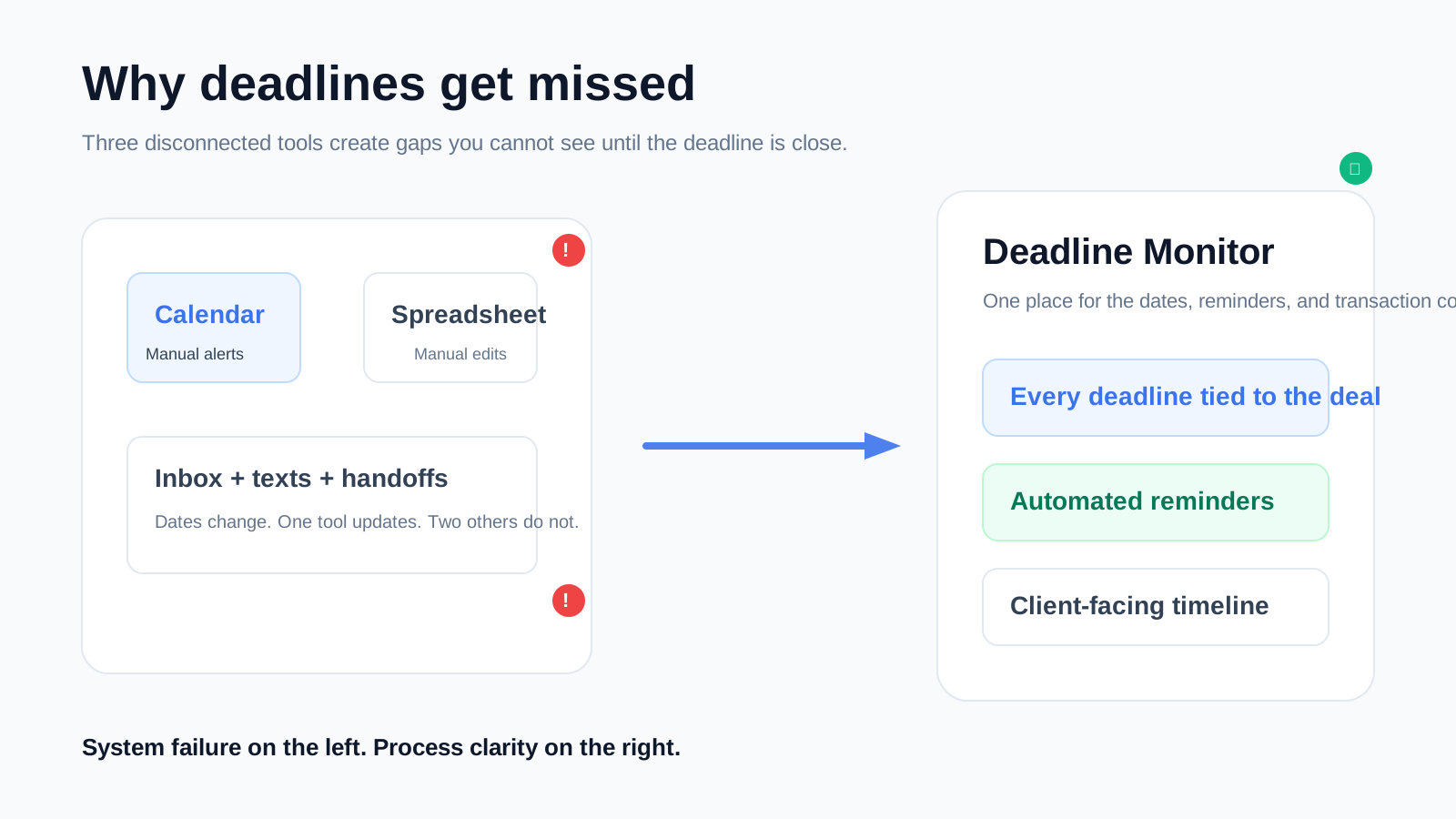
What gets lost in manual systems
Visual showing the hidden gaps in disconnected tools.
Section 2

What gets lost in manual systems

Reminder logic

The date may be present, but the follow-up habit still depends on a separate tool or a manual calendar entry.

Deal context

A row in a spreadsheet does not tell you where the file stands unless you already know the story behind it.

Clean handoffs

When another person touches the file, assumptions and shortcuts come with it.

Section 3

What a purpose-built system changes

Deadline Monitor changes the operating model. You are not maintaining a custom-built grid. You are working inside a transaction record that already understands deadlines, reminders, and progress visibility as part of the same process.

That means less maintenance, clearer handoffs, easier updates when dates change, and a more professional workflow when clients ask where the deal stands.

Product view
What a purpose-built system changes
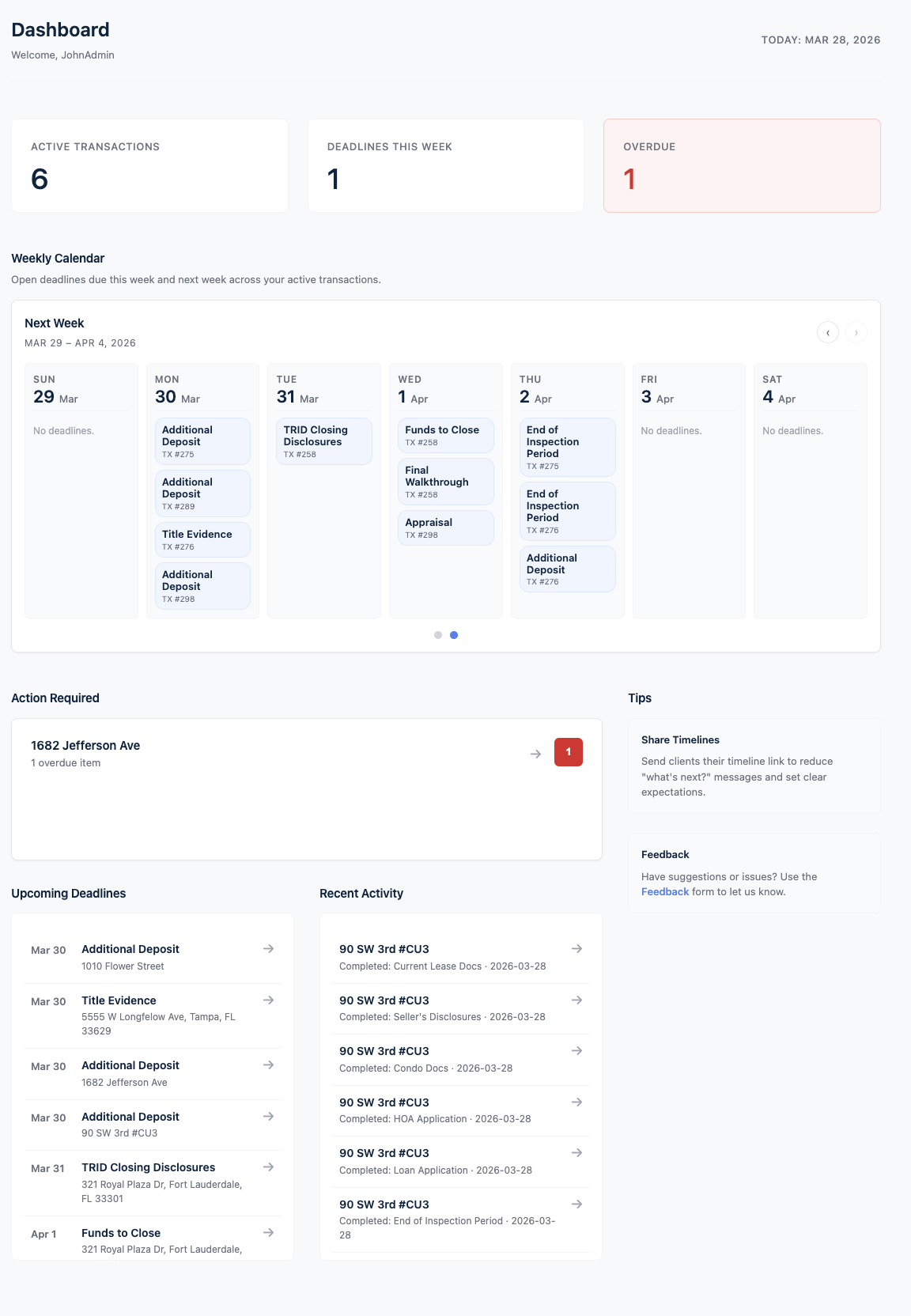
dashboard screenshot showing the system view that replaces manual tracking.
Created explainer visual
Where the difference shows up fastest
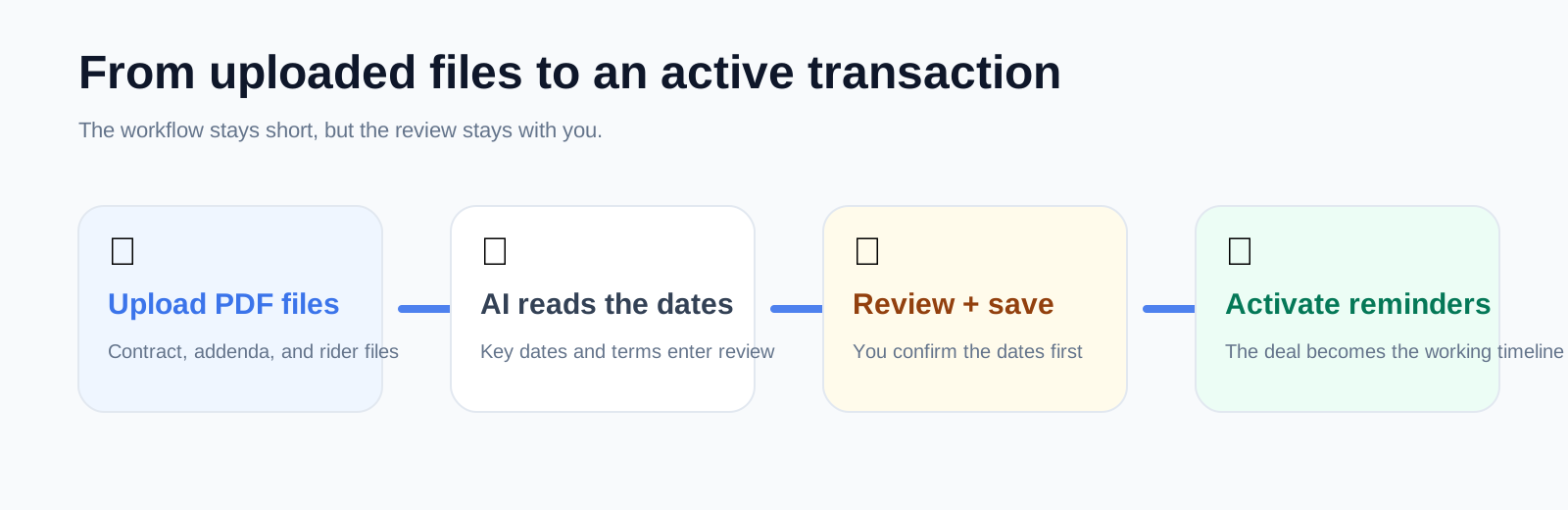
Workflow visual showing how the system is structured.
Section 4

Where the difference shows up fastest

SituationSpreadsheet approachDeadline Monitor approach
A date changesFind every place that needs editing.Update the transaction and keep the timeline centered on the deal.
You add another fileOpen another tab or duplicate another sheet.Add the transaction and keep visibility in the same system.
A client asks for an updateTranslate the spreadsheet into a human answer.Share the client-facing timeline or answer from the visible progress.
Section 5

Who benefits most

Solo agents

If your current system is a spreadsheet plus memory plus calendar reminders, this page is for you.

Transaction coordinators

If you manage several files and need one cleaner operating view, this page is for you too.

Teams

If more than one person touches the file, a shared system beats a spreadsheet every time because handoffs stay cleaner and visibility stays consistent.

Product view
Who benefits most
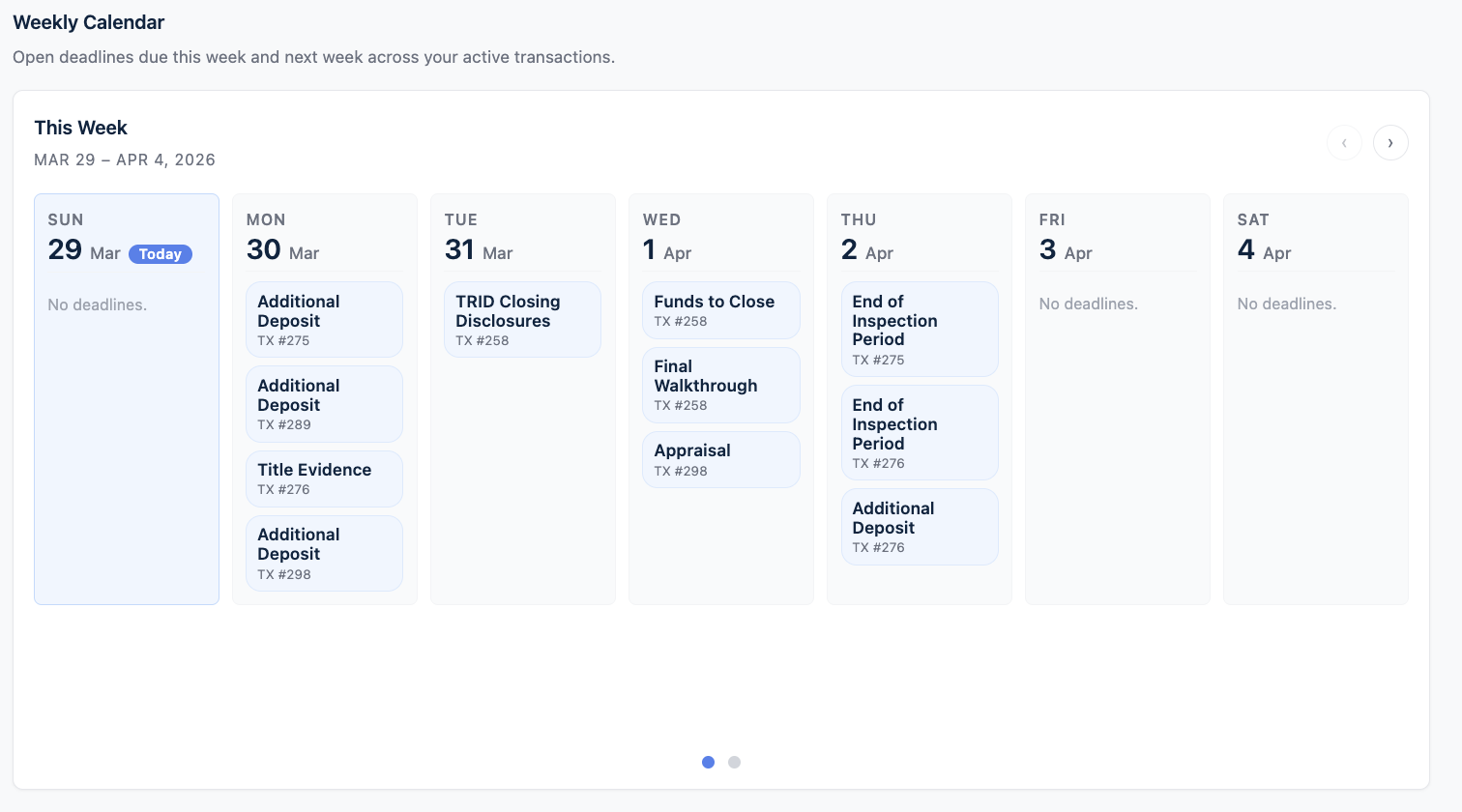
weekly calendar screenshot.
FAQ

Questions this page should answer before someone clicks

Why not just improve the spreadsheet?

Because the problem usually is not just the spreadsheet layout. It is the need to connect dates, reminders, context, and progress visibility in one place.

Is this still useful if I only manage a few files at a time?

Yes. The benefit starts before high volume because the process becomes clearer and easier to trust.

Does this replace my calendar completely?

Not necessarily. It replaces the need to use your calendar as the main transaction deadline system.

Can a transaction coordinator and an agent use the same system?

Yes. That is one of the advantages over spreadsheet-based workflows.

Get started

Stop maintaining the spreadsheet. Manage the deal instead.

Use a system that is built around contract deadlines, reminders, and progress.