Upload or enter details
Start with a contract PDF or manually enter the transaction information.
Real estate transaction deadline tracking
Upload a contract PDF or enter the details manually, review the transaction dates, activate the timeline, and keep deadlines, reminders, and client updates easier to follow through closing.
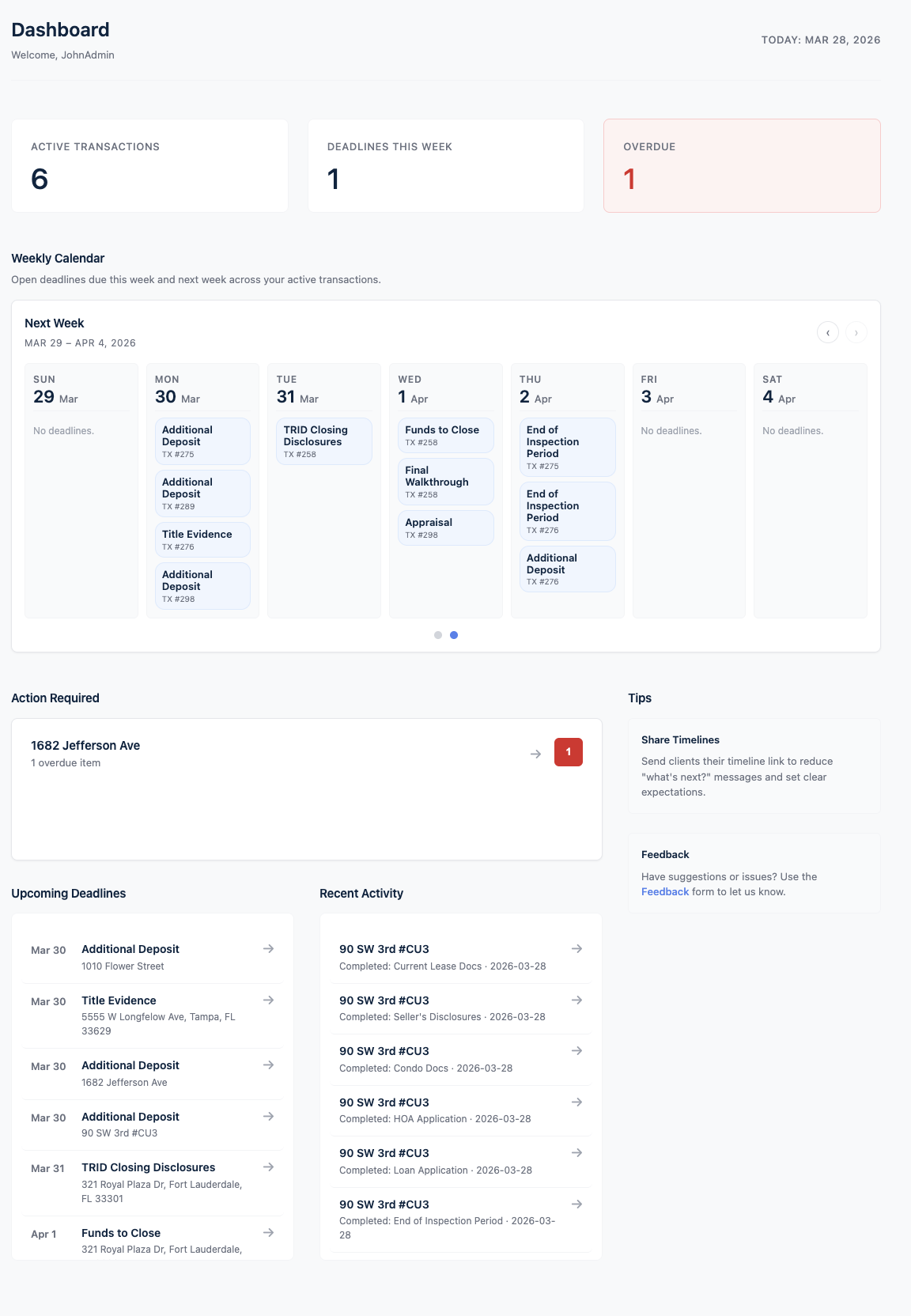
Deadline Monitor is built to make the transaction process easier to follow without turning the platform into a complicated tutorial system.
Start with a contract PDF or manually enter the transaction information.
Confirm the extracted contract dates before activating the transaction.
Convert the transaction into an organized timeline with deadline steps.
Monitor deadlines, reminders, status updates, and client-facing progress.
Use Deadline Monitor to move from scattered contract details to a structured real estate transaction timeline.
Deadline Monitor gives real estate professionals a dedicated starting point for contract deadline tracking, with manual entry available when needed.
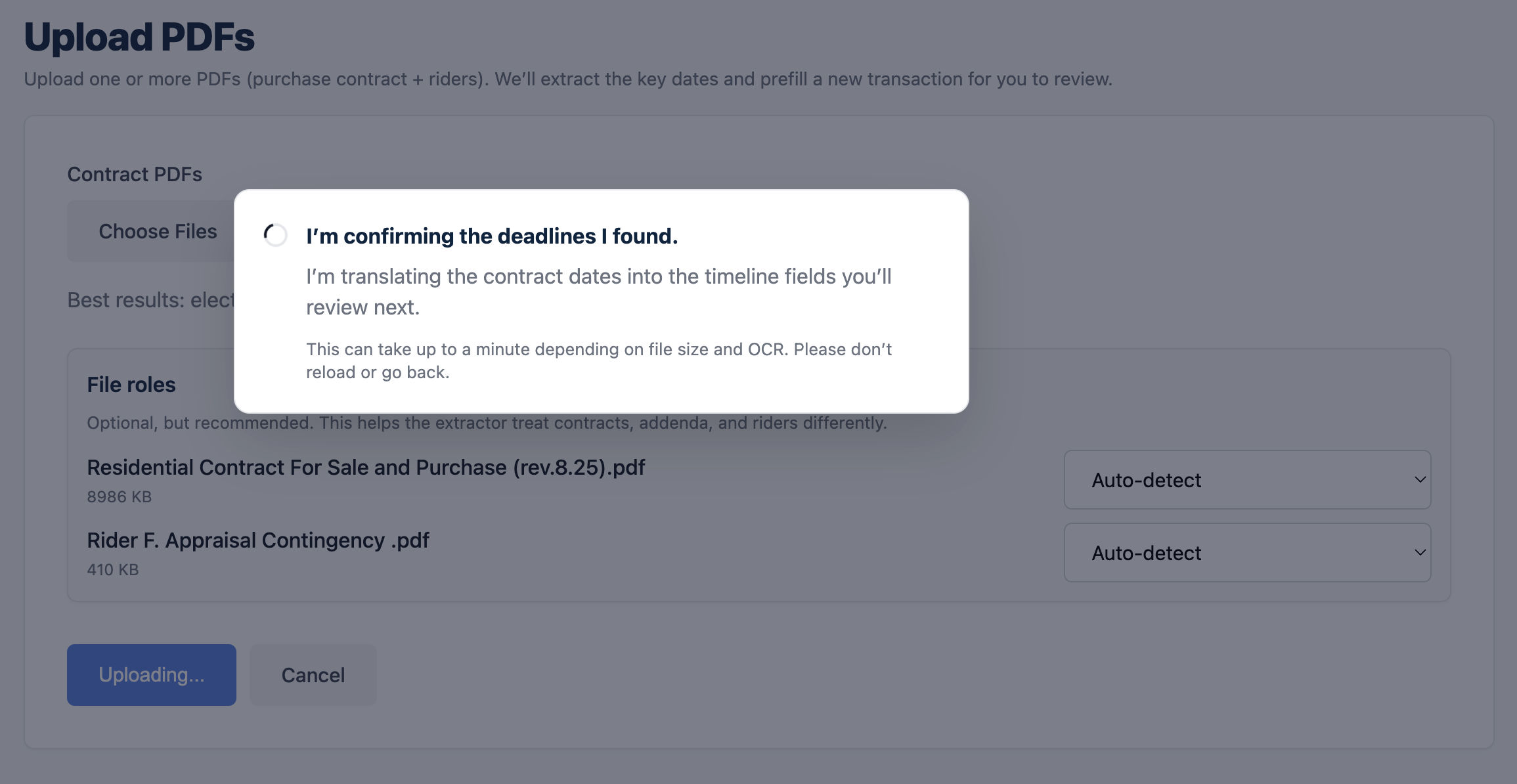
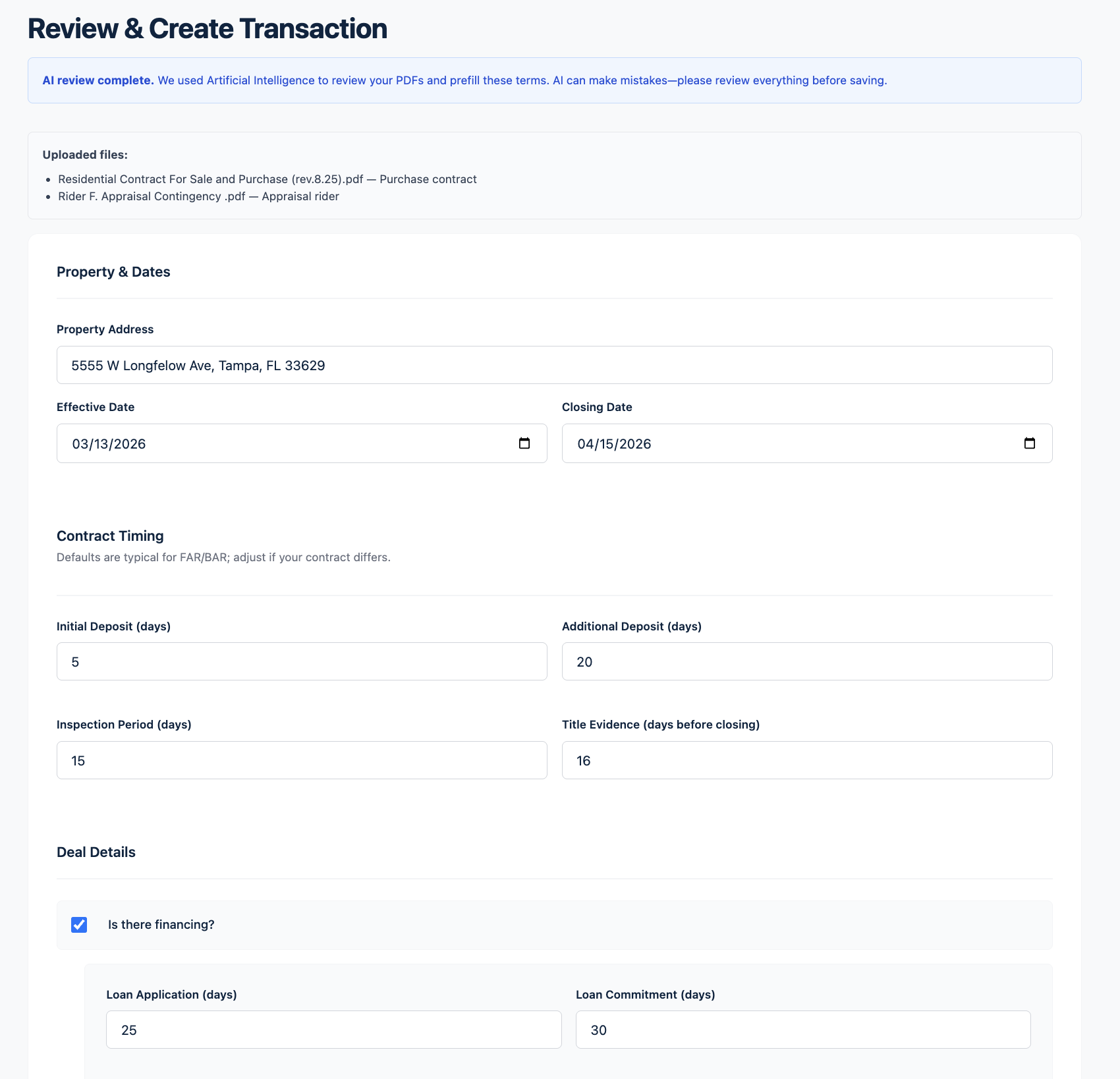
The review step helps users verify important information before relying on the transaction timeline.
Once active, the transaction can be followed through a timeline and table-style deadline view.
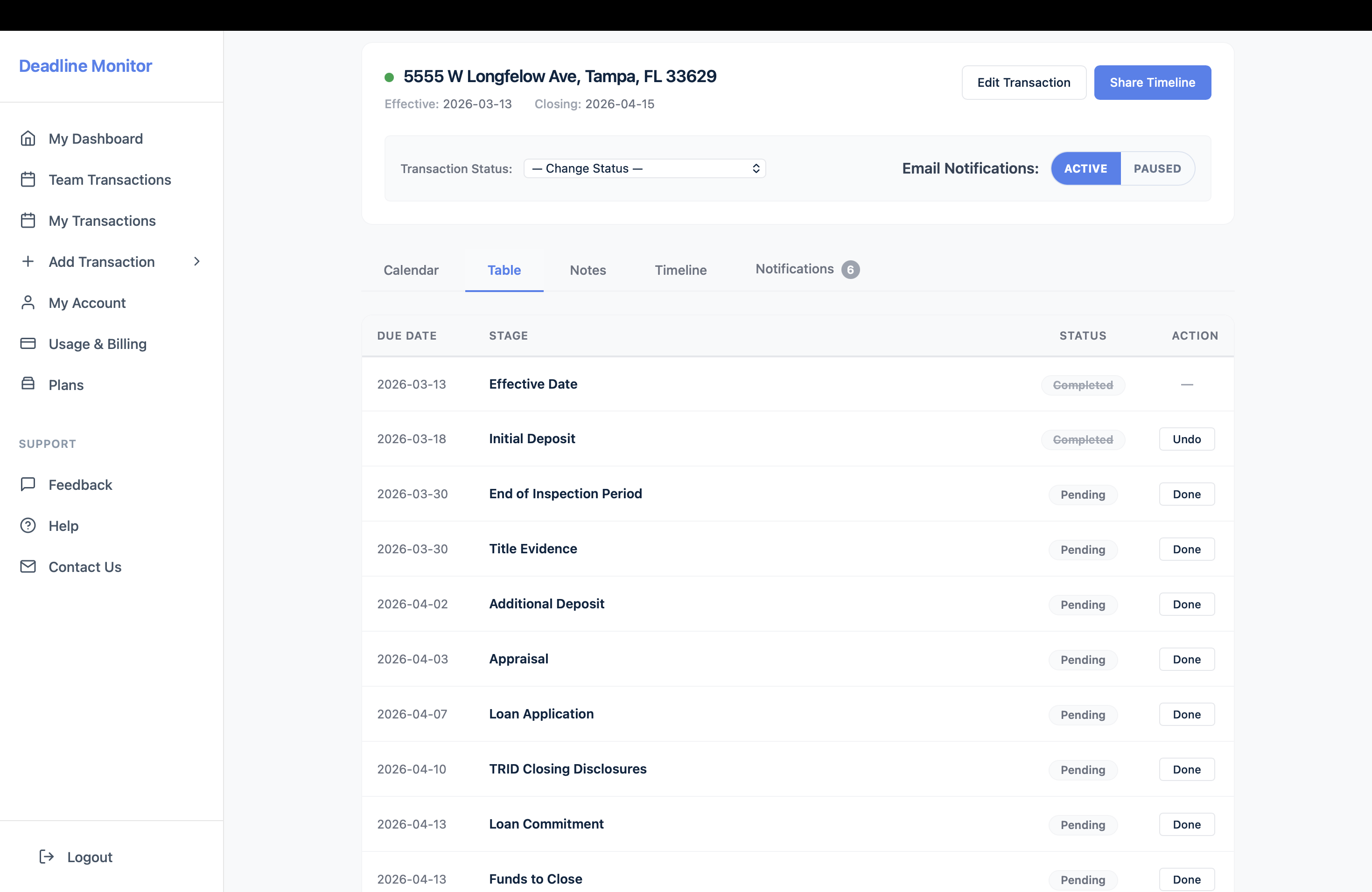
When every transaction has multiple dates, conditions, parties, and updates, a dedicated transaction timeline creates better visibility.
Keep contract deadlines and transaction steps organized in one place.
Move away from scattered spreadsheets, calendar notes, and memory-based follow-up.
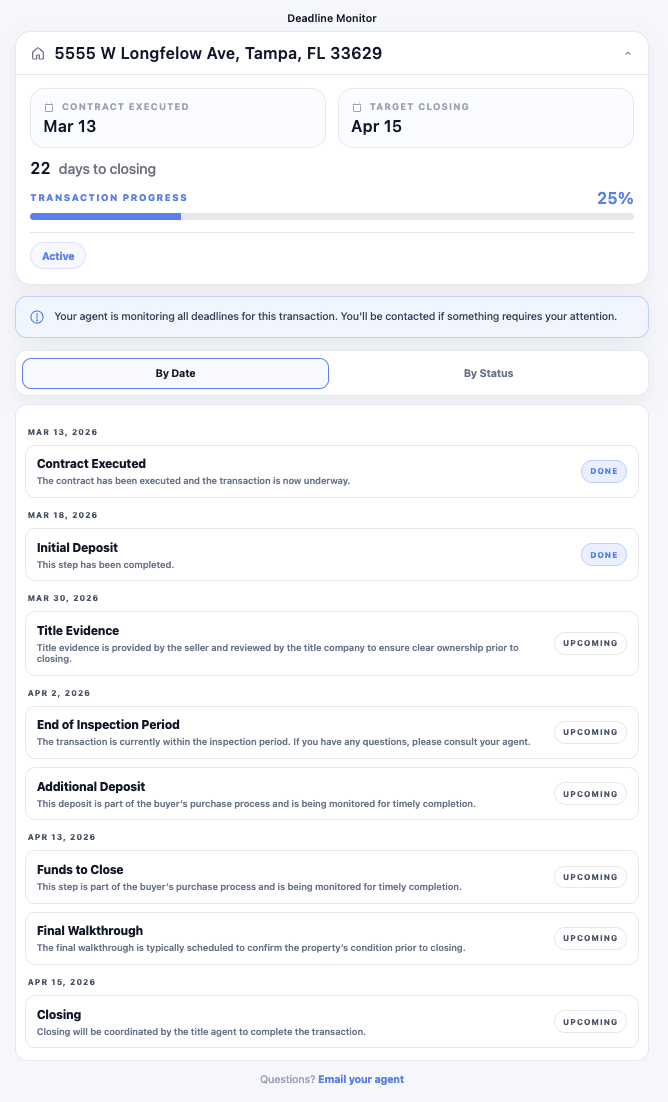
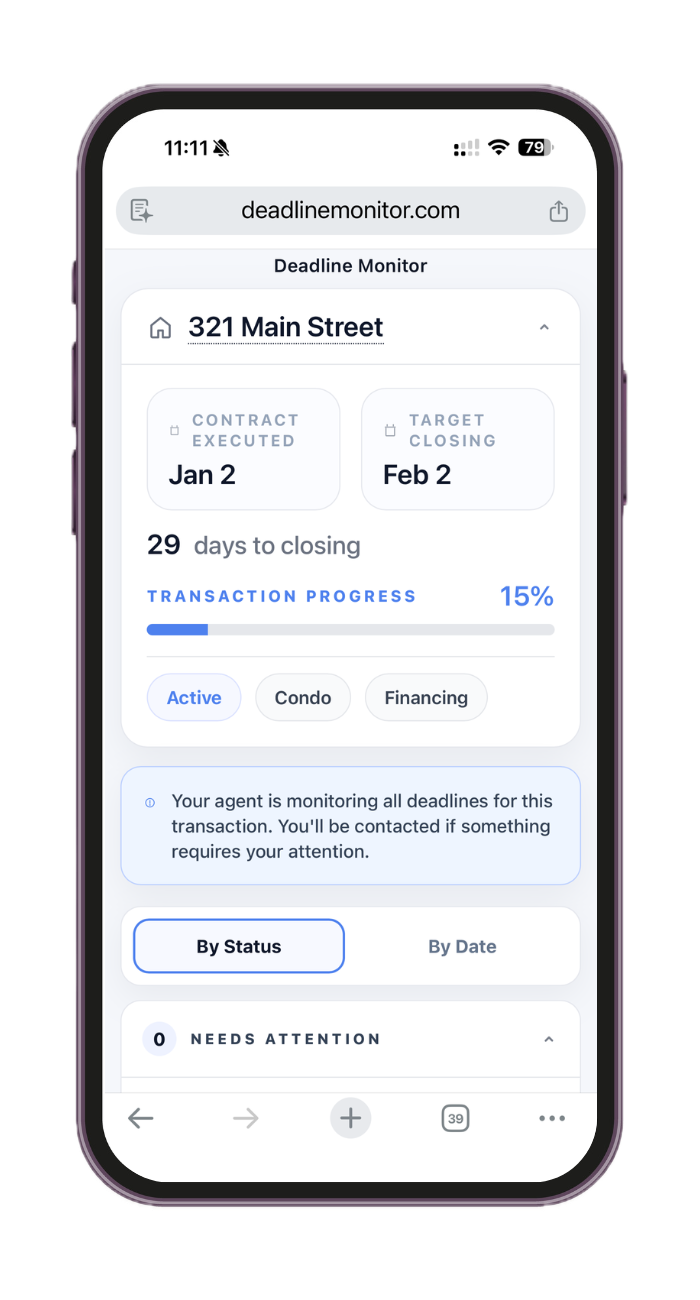
Share a client-facing timeline so clients can follow the progress of the transaction.
Give agents, transaction coordinators, and teams a clearer contract-to-close process.
Deadline Monitor includes a client-facing timeline view designed to make transaction progress easier to understand.
Start with a contract PDF or create a transaction manually, then keep the process organized from start to close.