Inspection deadlines
Keep inspection-related dates visible in the transaction workflow.
Automatic real estate deadline reminders
Deadline Monitor helps real estate professionals track upcoming dates, reminder settings, notification activity, and transaction steps from contract to close.
Real estate transactions include multiple deadlines that can affect buyers, sellers, agents, coordinators, lenders, and closing teams.
Keep inspection-related dates visible in the transaction workflow.
Track financing contingency dates and related follow-up points.
Organize initial and additional deposit due dates in one place.
Maintain visibility around closing-related transaction milestones.
Add transaction-specific steps that do not fit a standard checklist.
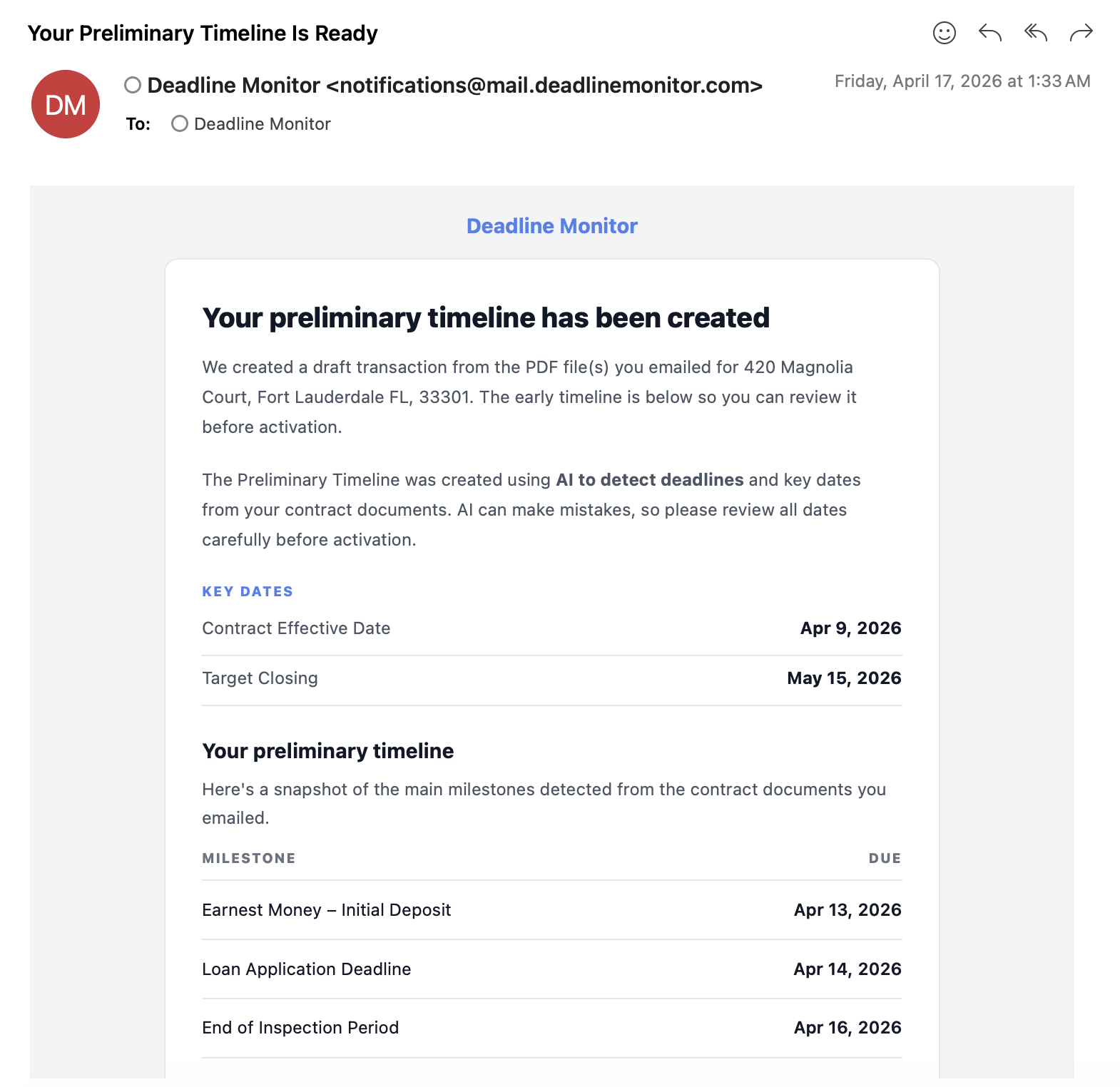
Use reminder views and notification activity to understand what is happening inside a transaction instead of searching across notes, calendars, or inboxes.
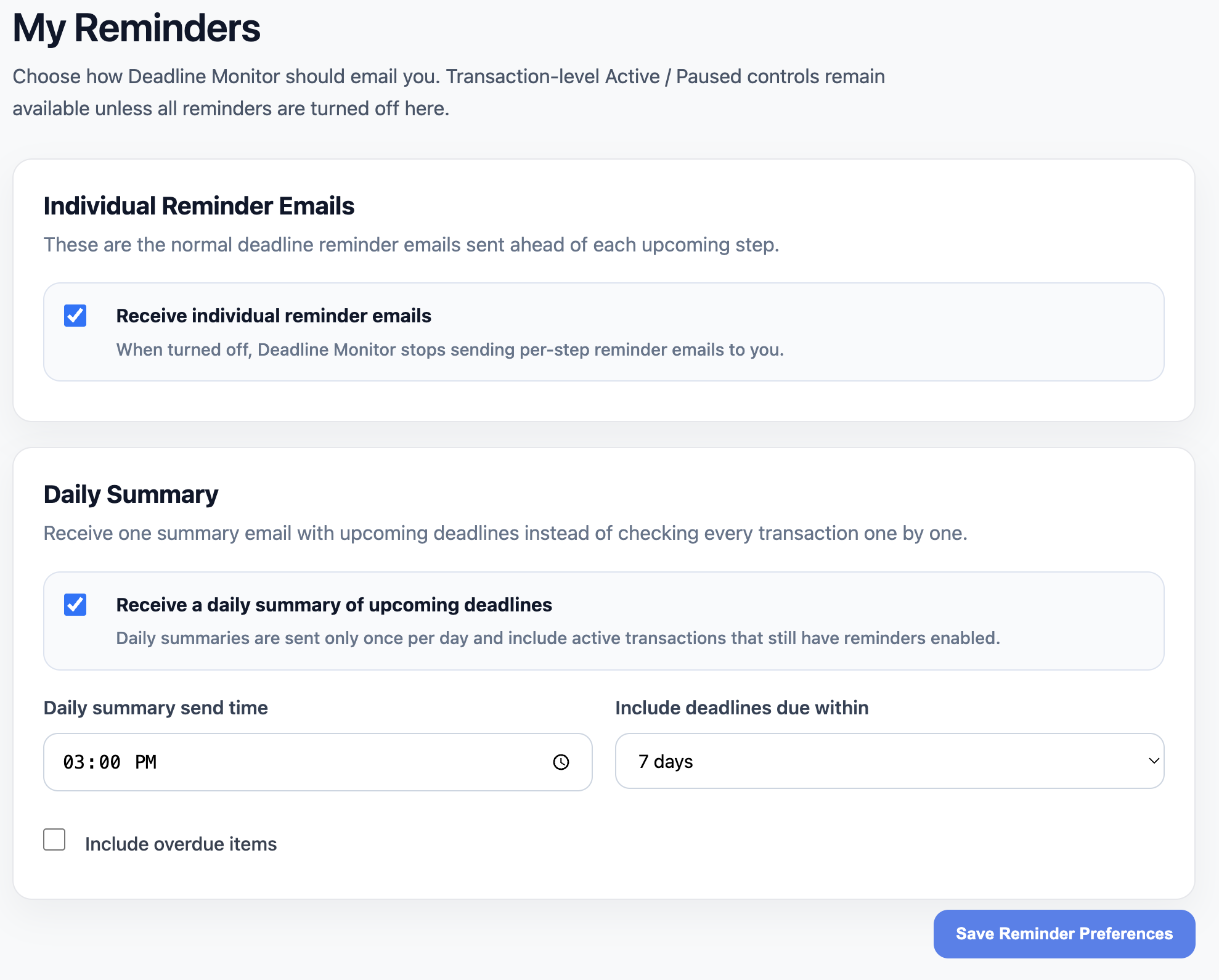
The notification view helps users see reminder-related transaction activity in context.
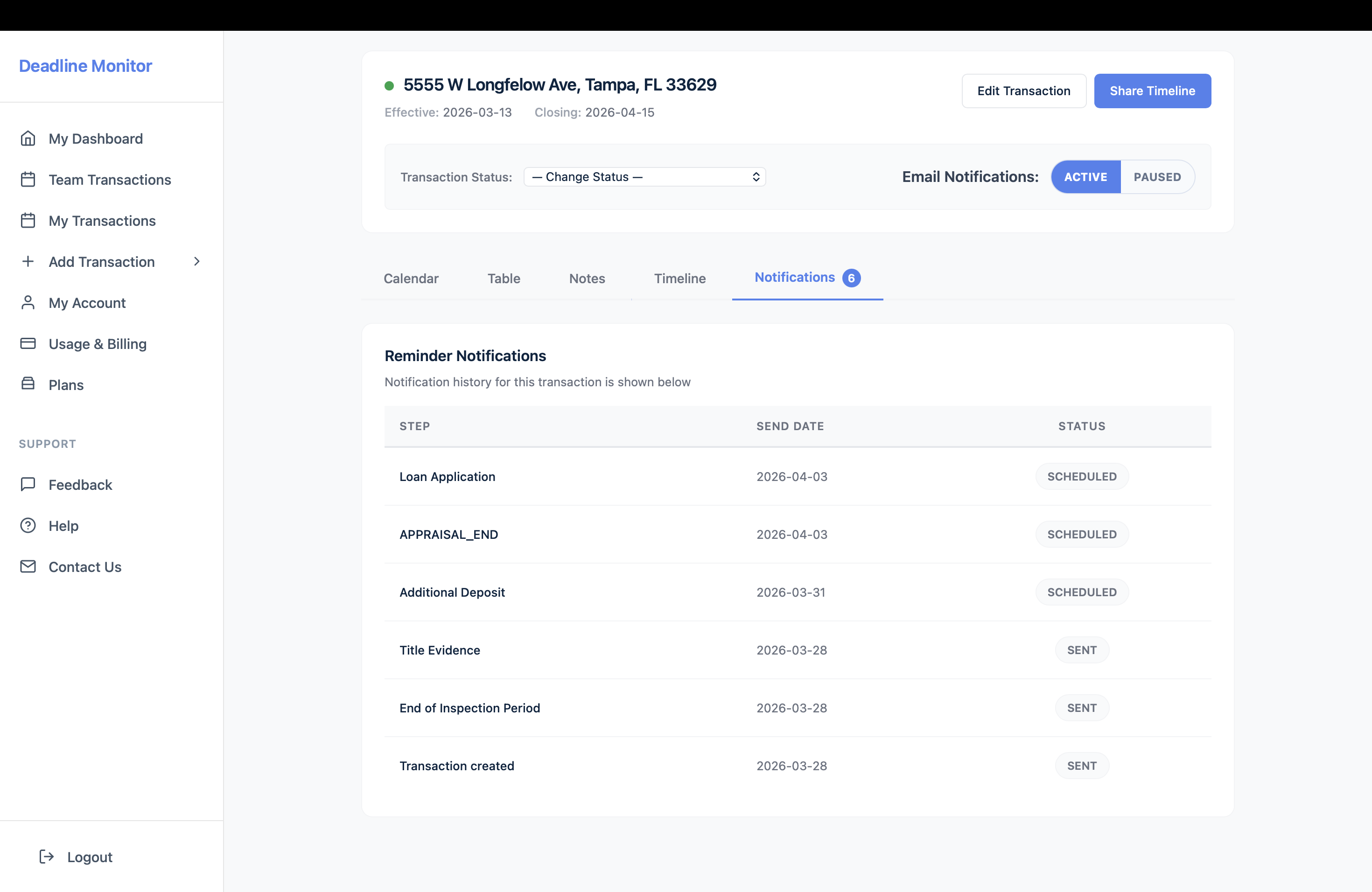
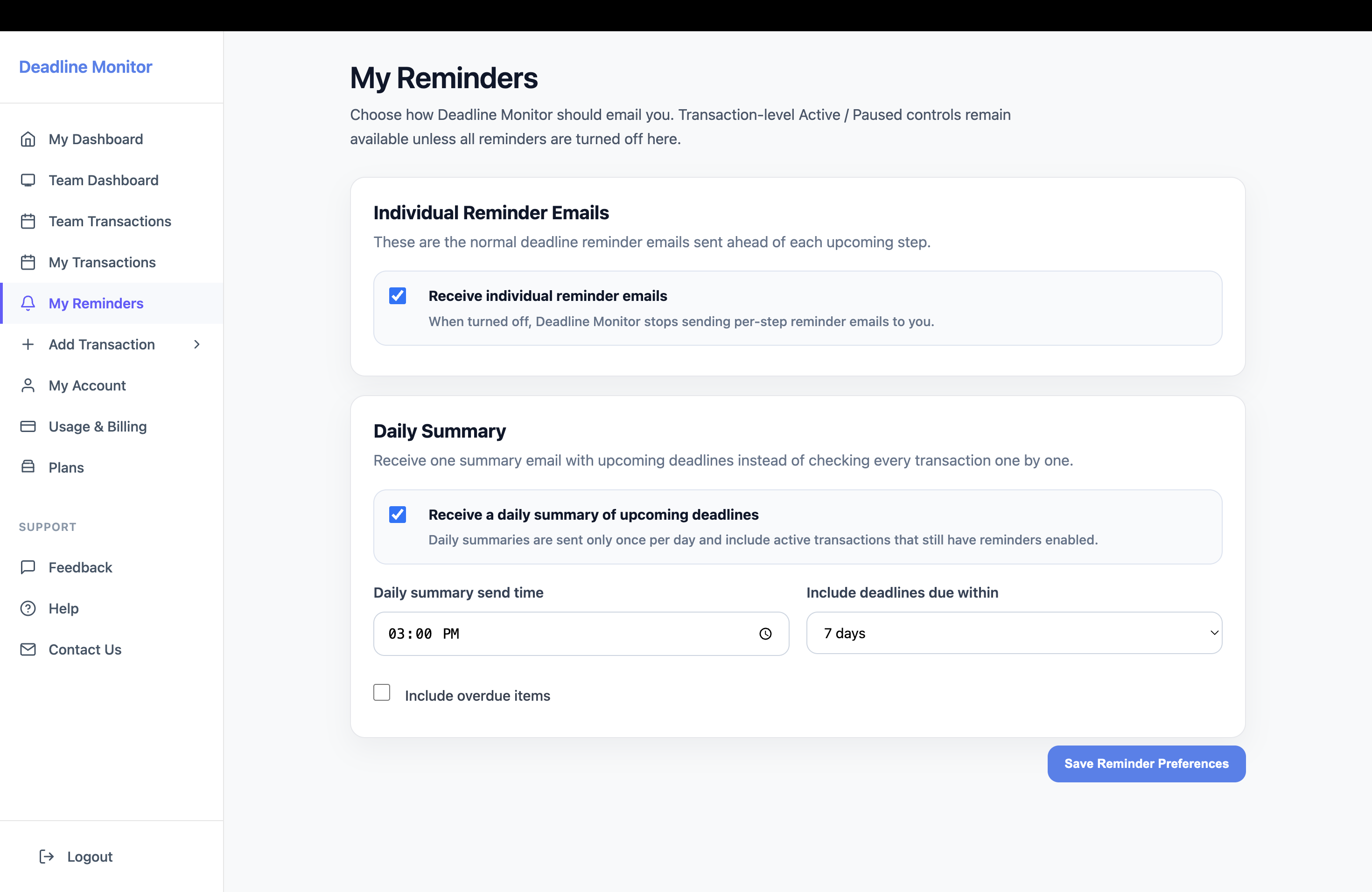
The reminder configuration panel gives users a dedicated place for reminder-related settings.
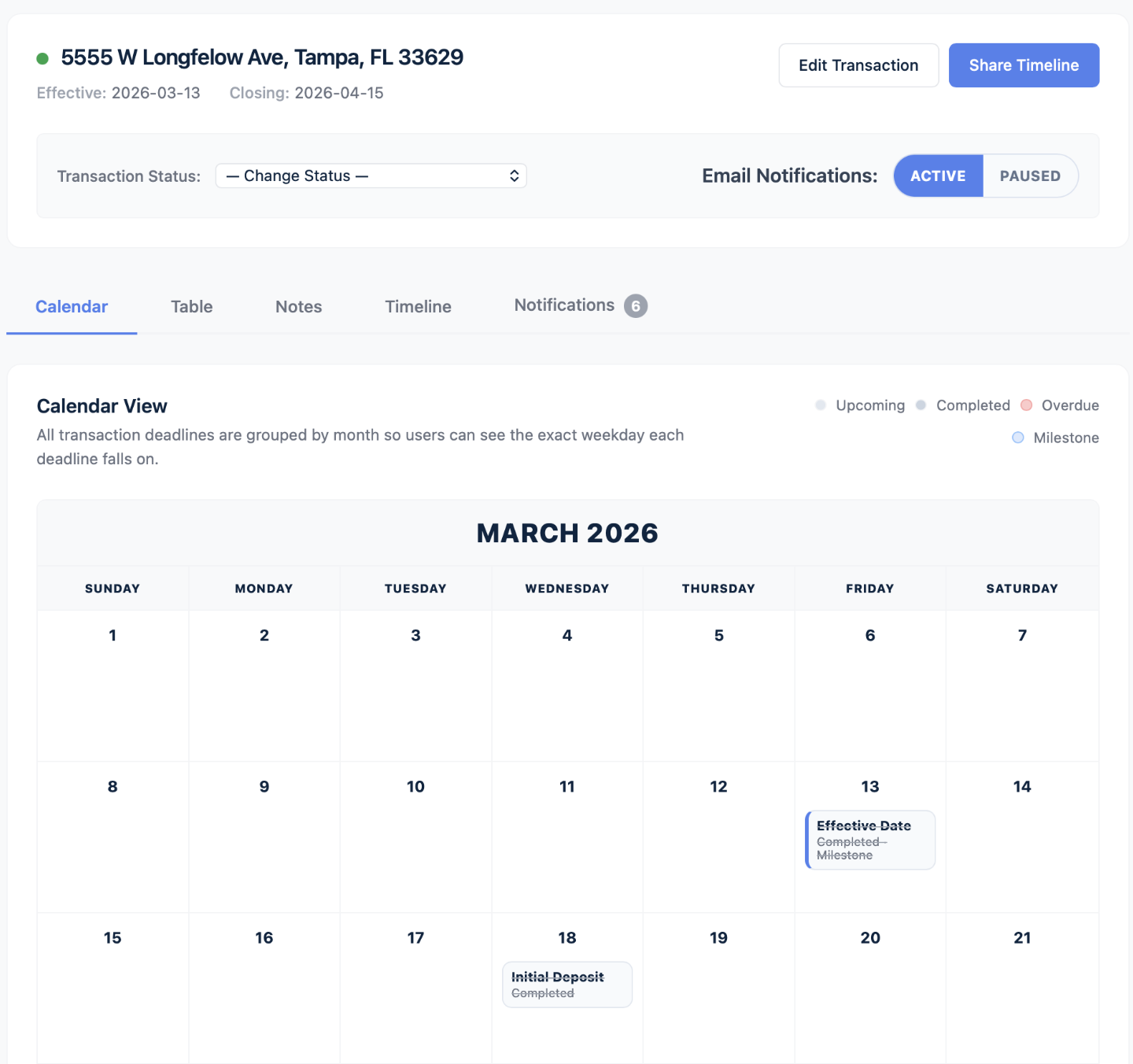
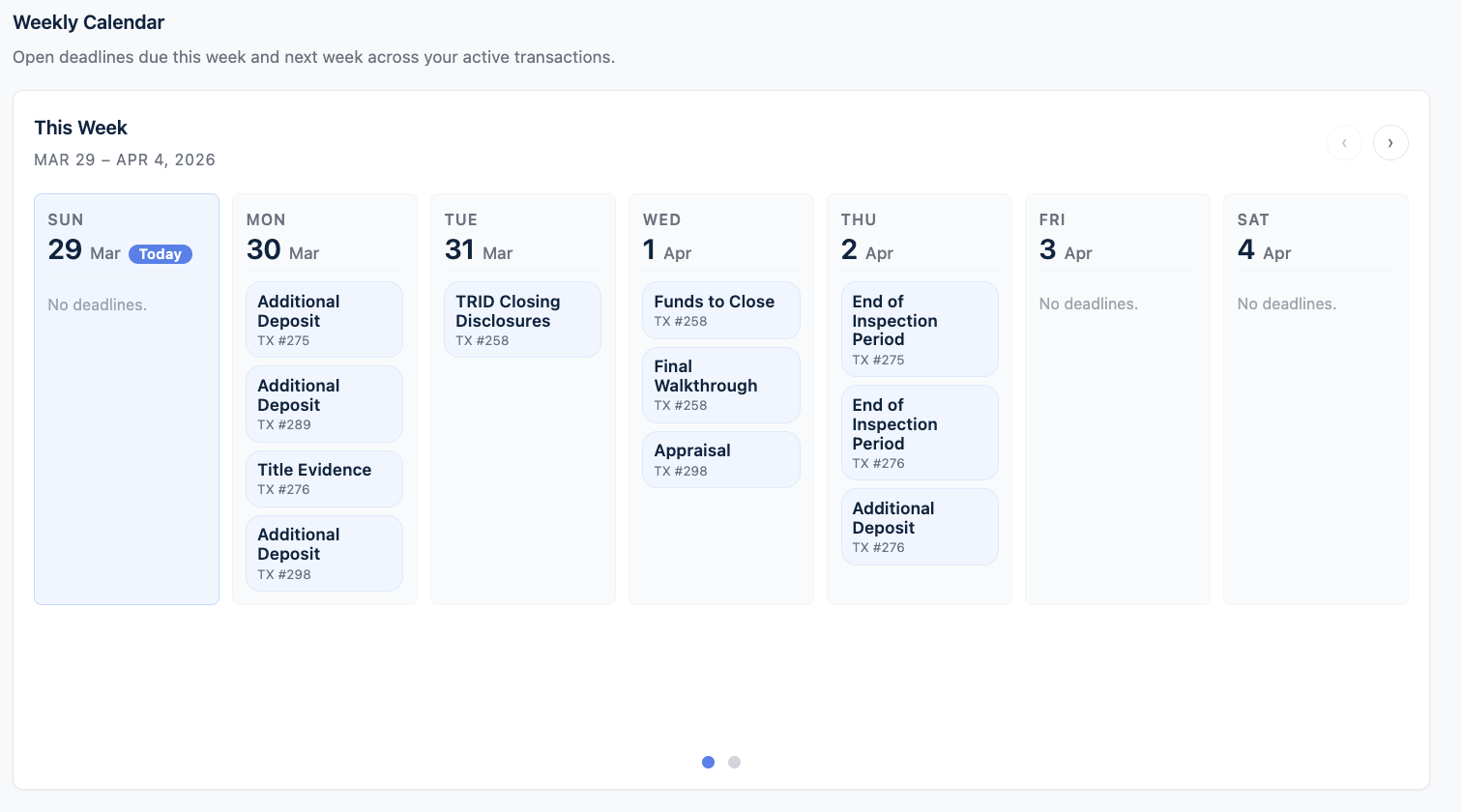
Calendar views help users understand deadlines by date instead of reading a long list of transaction steps.
Deadline reminders are not just about alerts. They help create a more consistent transaction management process.
Keep deadlines visible while managing clients, showings, offers, and negotiations.
Support transaction coordinators who are responsible for many active files at once.
Help teams create a more reliable contract-to-close workflow across transactions.
Pair reminder organization with client-facing timeline visibility to reduce confusion.
Use reminder-related communication and calendar views to keep active transactions easier to monitor.
Use Deadline Monitor to organize contract dates, reminders, and transaction progress from start to close.